Download PearPass
PearPass for Windows:
Secure, Local, Decentralized.
Take your passwords off the grid. Experience P2P syncing that keeps your data on your PC, where it belongs.
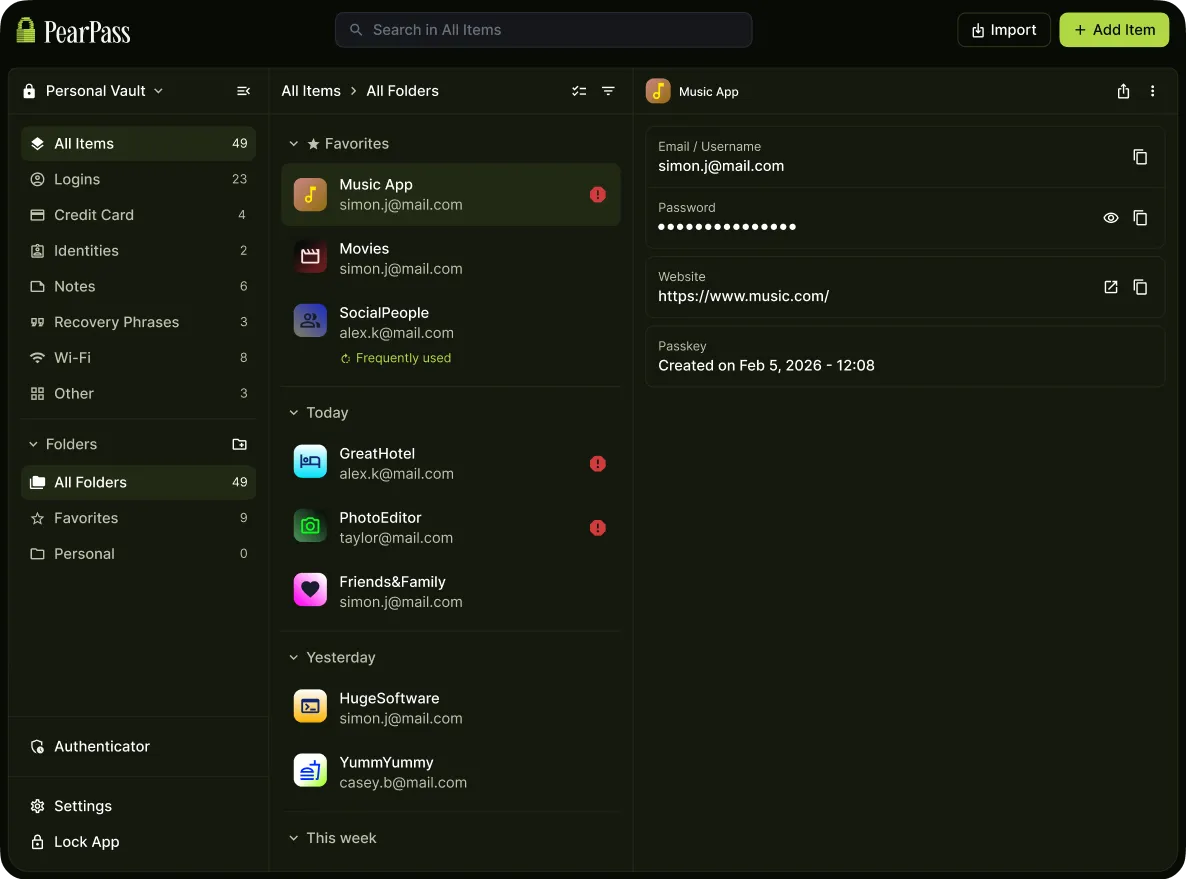
Desktop Security,
Reimagined for Mac.
No servers. No cloud. Just a direct, encrypted connection between your Mac and your devices.
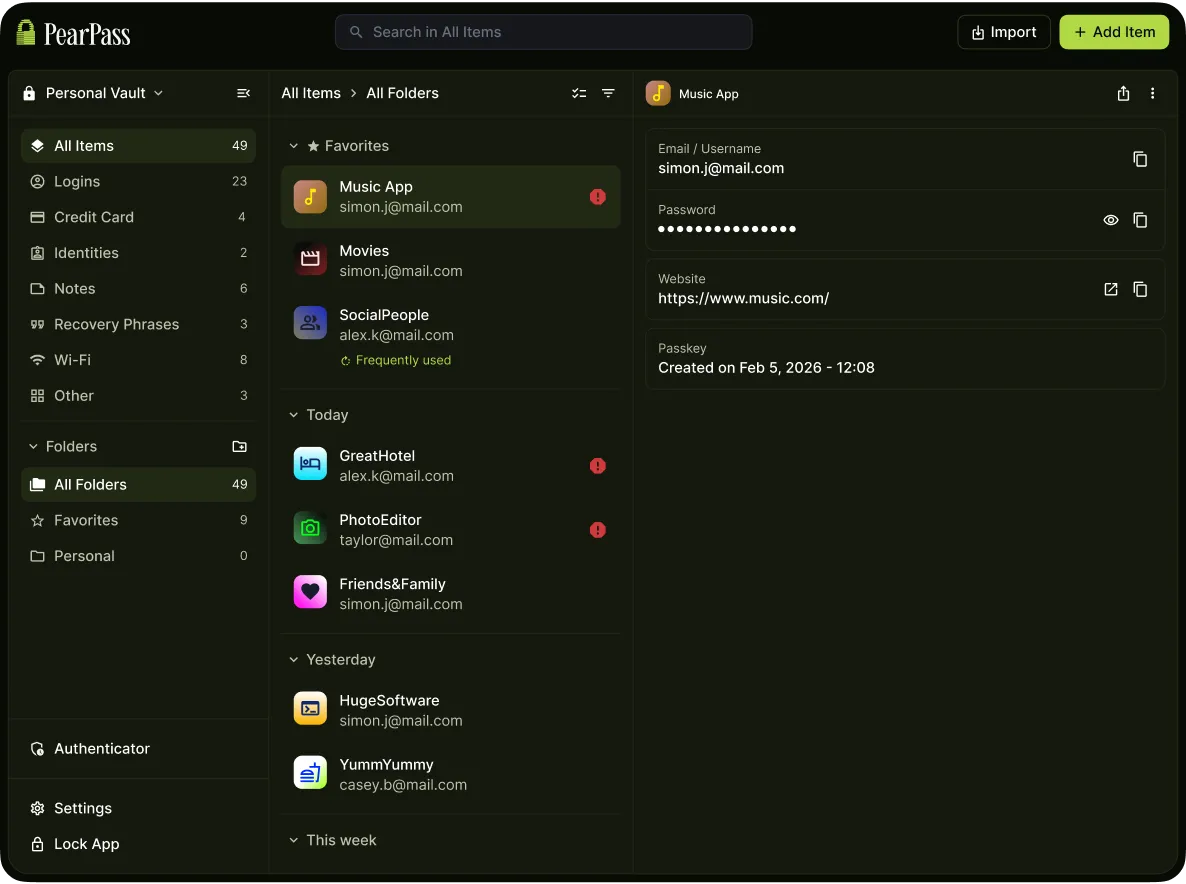
Sovereignty by Design:
PearPass for Linux.
The local-first password manager for users who don't trust the middleman. Pure P2P, zero telemetry.
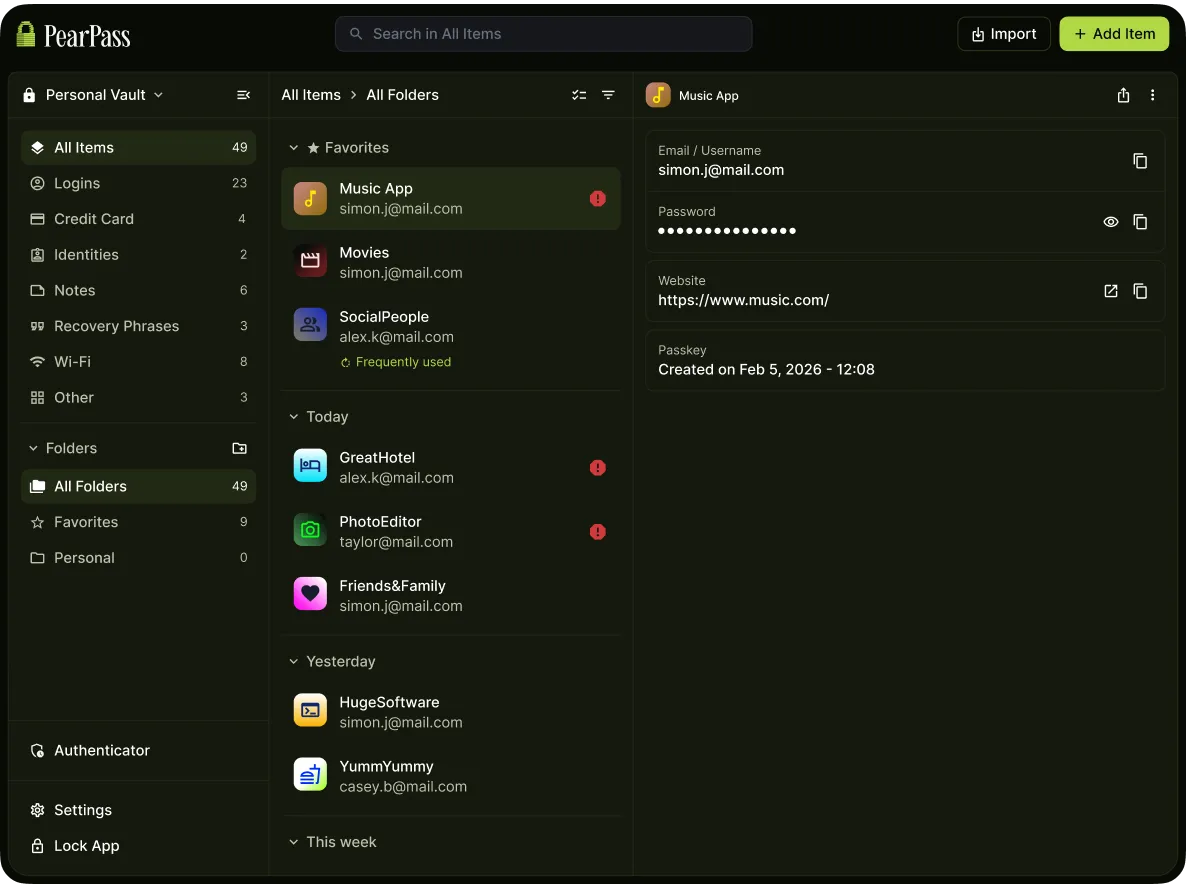
Decentralized Security for
the Android Ecosystem.
Eliminate the "Cloud Risk." PearPass uses peer-to-peer protocols to keep your data local and your privacy absolute.

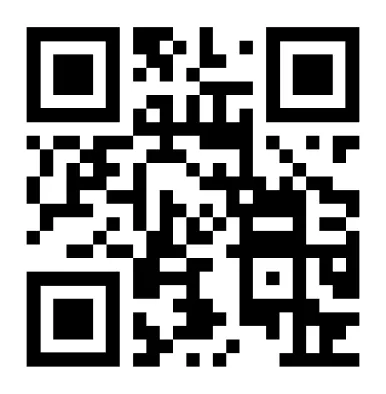
Instructions
- Install the F-Droid client app.
- Scan the QR code from above or manually copy/paste the PearPass repository information into the F-Droid client app under Settings.
- Add the PearPass repository to the F-Droid client app.
- Refresh your F-Droid client app under the Categories tab.
- Install PearPass from the F-Droid client app listing.

PearPass for iOS:
End-to-End Privacy in Your Pocket.
Secure, serverless synchronization. Your vault stays encrypted and transfers directly between your trusted devices — never a third-party server.


Download for your device
Use on your browser
PearPass for Chromium:
Secure Local Integration.
A direct, encrypted bridge to your local vault.
Enjoy seamless, serverless autofill across
Google Chrome, Microsoft Edge, Brave, and Opera.
Why choose PearPass instead of other Password Manager?
Serverless Password Manager
Take your passwords off the grid. Experience P2P syncing that keeps your data on your PC, where it belongs.
Customizable Security Timeouts
Your vault shouldn't stay open when you aren't there. Set a custom timer to automatically lock PearPass after a period of inactivity, preventing unauthorized access to your data.
Password Generator
Create strong, unique passwords instantly. PearPass generates high-entropy credentials on-device so you never reuse a weak password again.
Frequently Asked Questions
Yes. PearPass has undergone a comprehensive independent security audit conducted by Secfault Security. This audit confirms our commitment to building secure, open-source software and is part of our effort to meet the highest industry standards.
Open source means anyone can inspect, audit, and verify our code. We believe transparency is the foundation of trust in security software. You don't have to take our word for it — you can read the code yourself.
Yes! PearPass supports importing from most major password managers. You can migrate your credentials from 1Password, LastPass, Bitwarden, and others directly into your local PearPass vault.
To maintain our "local-only" (no cloud) architecture and ensure total data consistency, the browser extension needs to interact directly with the data stored on your computer. While we are constantly improving our tech stack, this connection is currently necessary to keep your sensitive information in your local environment while still providing the convenience of auto-fill.
Visit our User Docs for step-by-step guides and tutorials. You can also reach out to our community on Keet or use our contact form.
We love hearing from our community! If you have an idea that could make PearPass even better, you can submit feature requests and vote on existing suggestions through our FeatureBase portal. Your feedback directly impacts our product roadmap.
PearPass is in constant product iteration as we strive to improve our technology. If you encounter pairing issues or any other technical difficulties, please reach out to our support team via our Contact Page or via the PearPass App.